Every phone has a screen-time limit, and every screen-time limit has a button that says "ignore". It works for a couple of days. Then tapping "ignore" becomes part of the habit, and the feed is one tap away again.
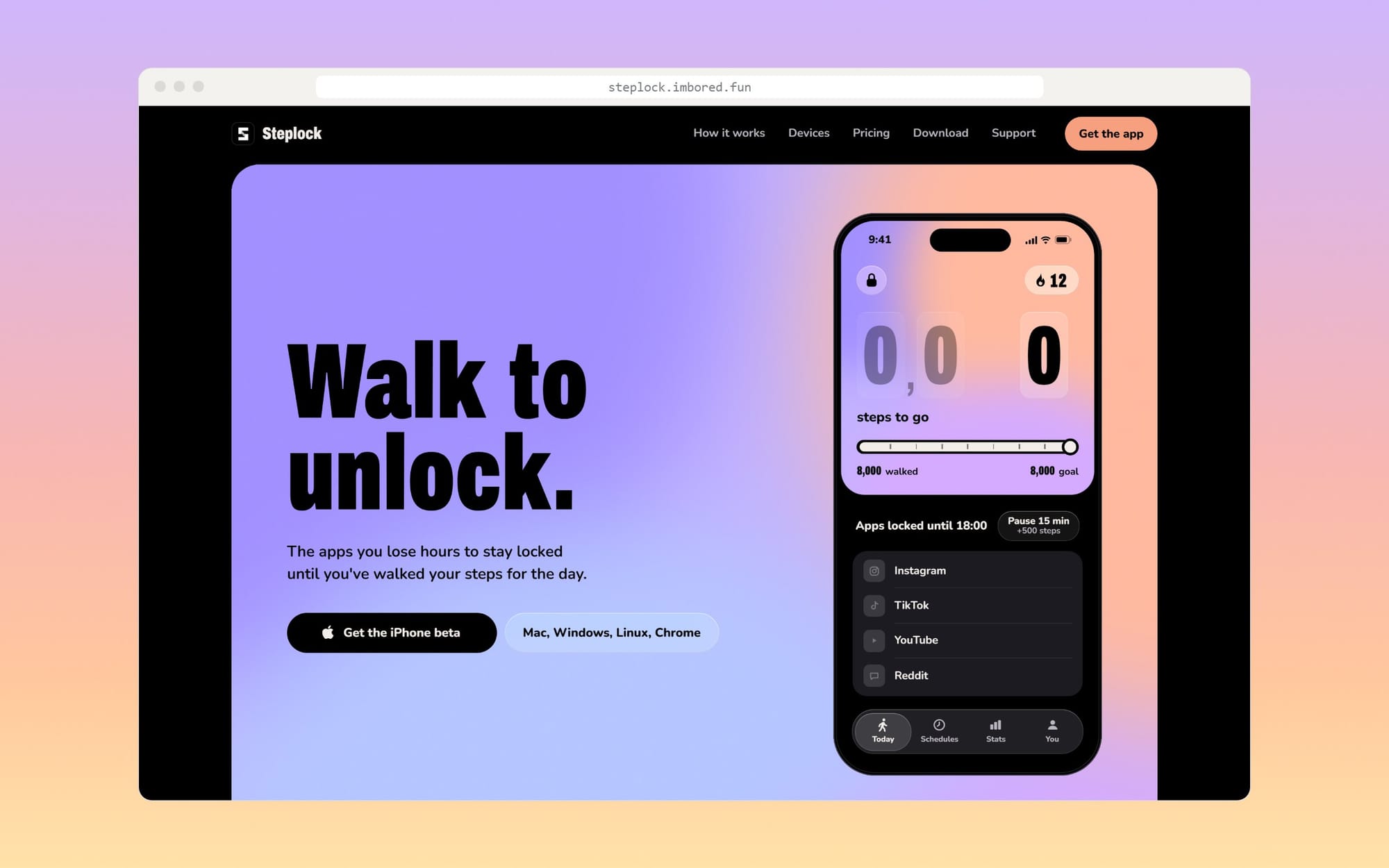
Steplock replaces that button with something a thumb can't do: walking. You choose the apps that eat your day, you set a step goal, and they stay locked until your phone has counted the steps. Once you're there, they open for the rest of the day.
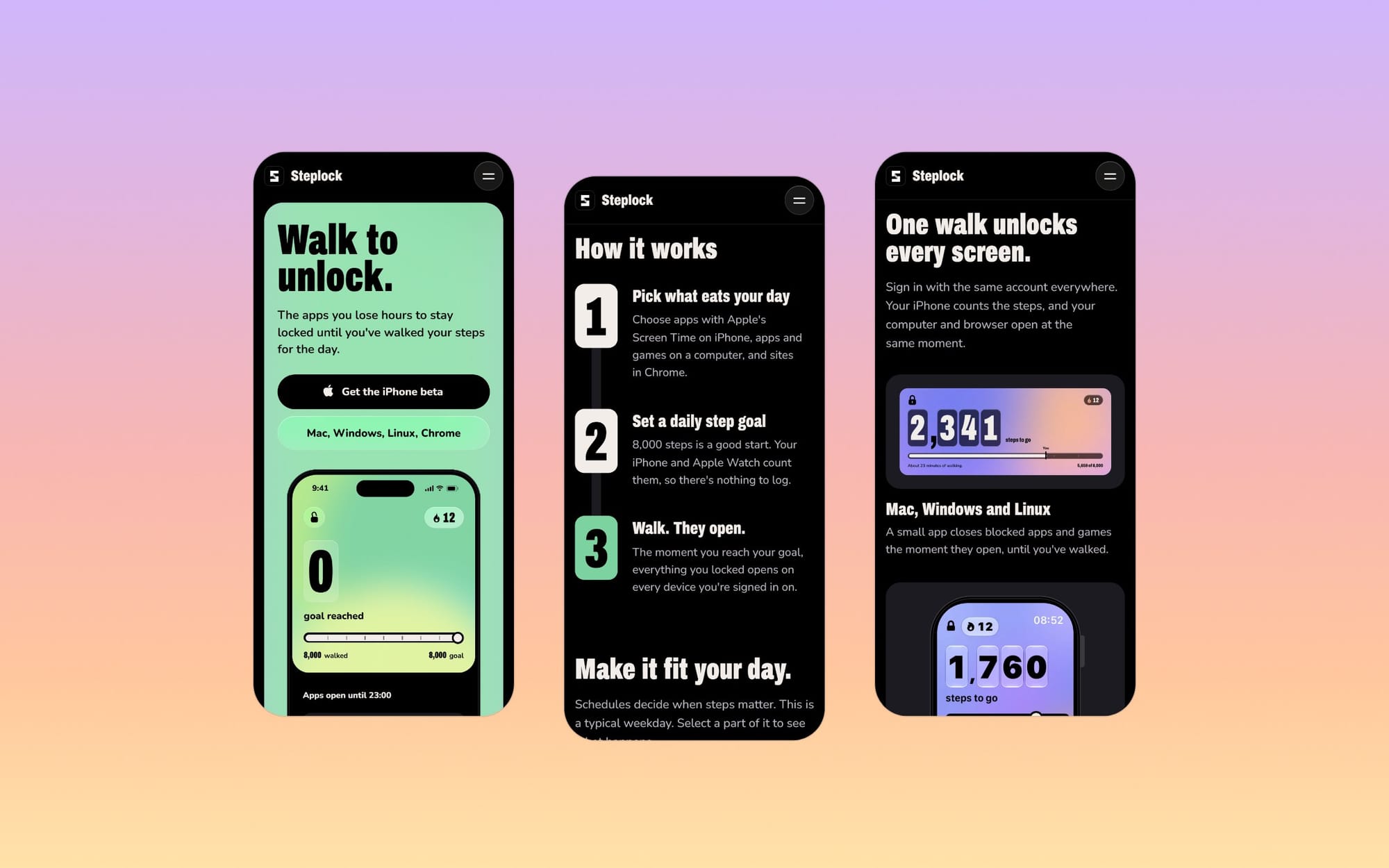
How it works
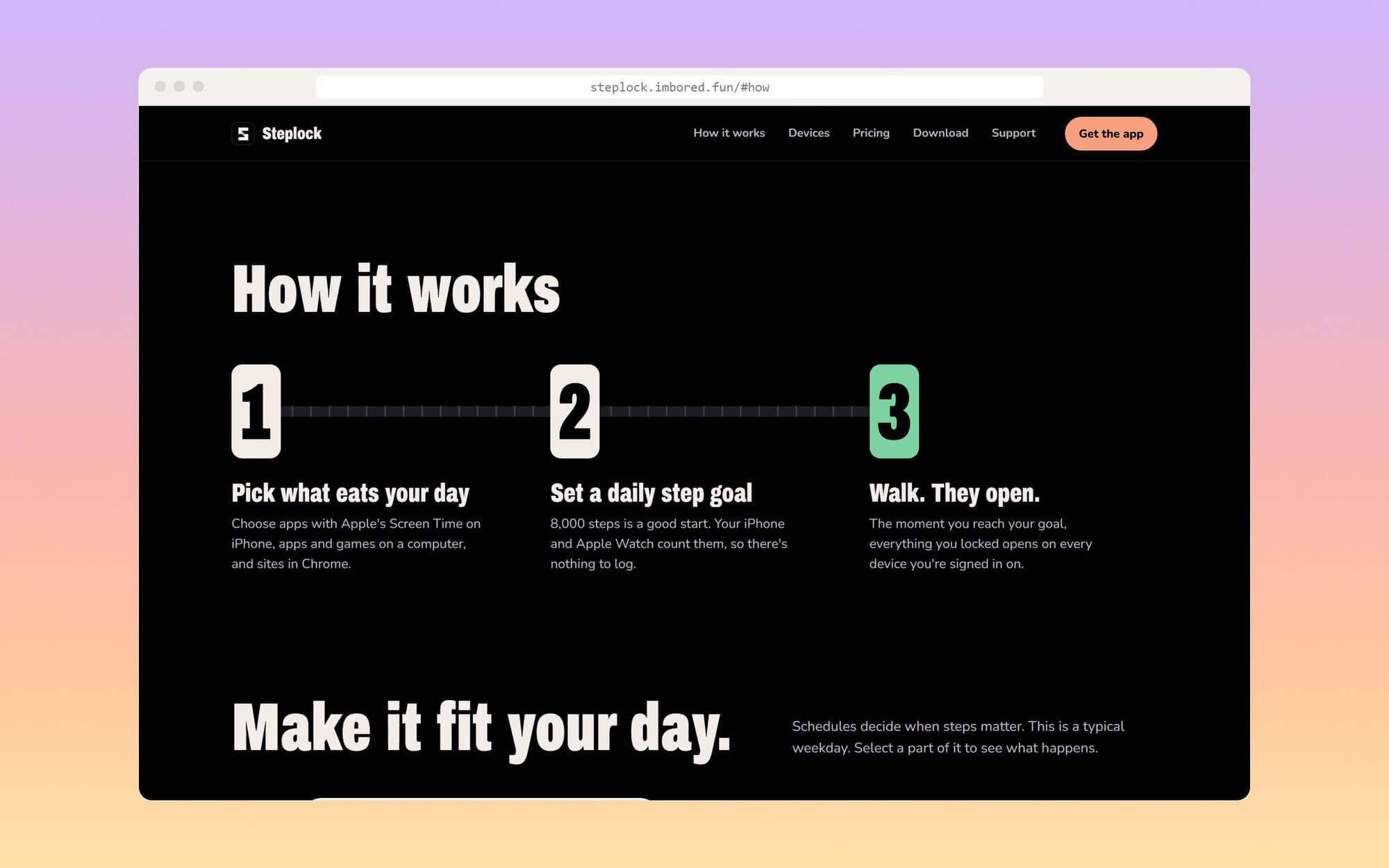
Pick what eats your day. On iPhone that's Apple's Screen Time picker, which means Steplock never sees which apps you chose. On a computer you pick apps and games, and in Chrome you list websites.
Set a goal. 8,000 steps is a good start. Your iPhone and Apple Watch count them through Apple Health, so there's nothing to log by hand.
Walk. The moment you reach the goal, everything you locked opens, on every device you're signed in on.
Not every hour is the same
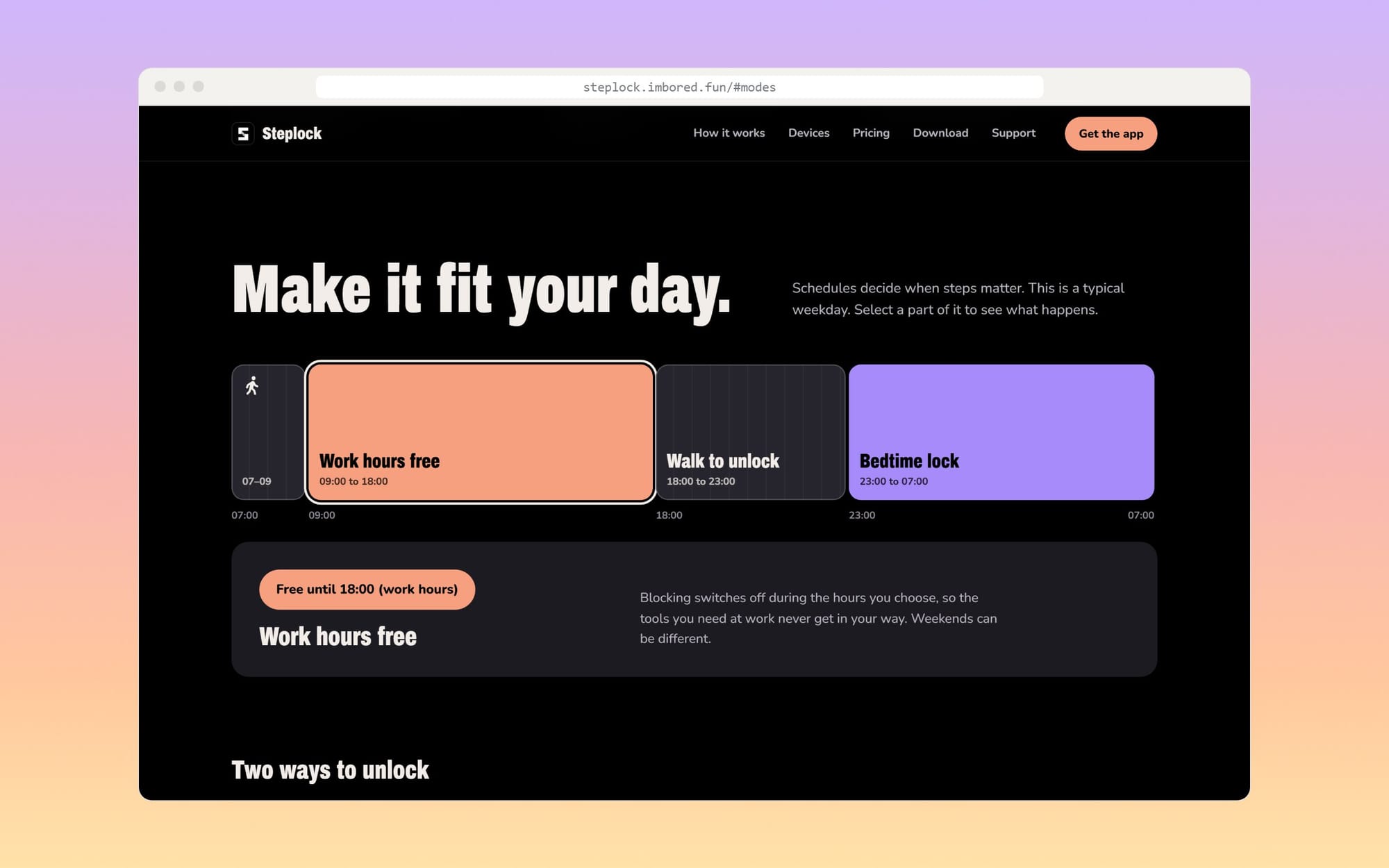
A lock that runs all day is a lock you uninstall by Wednesday, so Steplock works with schedules. A normal weekday has work hours free, so the tools you need never get in the way. Outside those hours, steps decide. At night a bedtime lock keeps everything shut however far you walked, and when a lock and a free window overlap, the lock wins.
There are two ways to unlock. The default is a daily goal: reach it and you're done for the day. With Pro you can earn minutes instead, ten for every thousand steps, and spend them whenever you like.
One walk, every screen
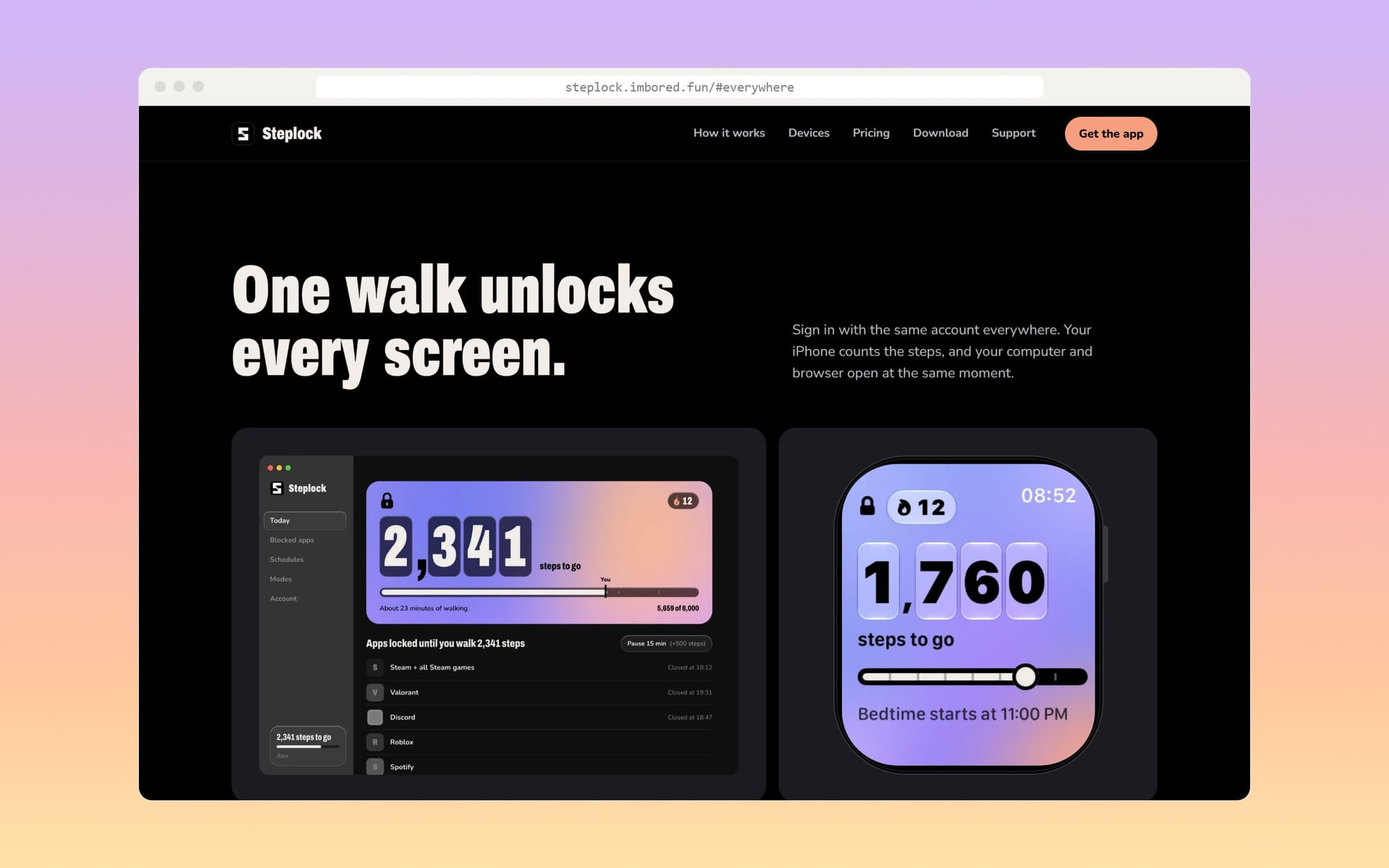
Locking the phone doesn't help much if the same feed is open in a browser tab. Steplock also runs on Mac, Windows and Linux, as a small app that closes blocked apps and games the moment they open, and in Chrome, Edge, Brave and Arc, where blocked sites show your steps to go instead of the feed.
You sign in with the same account everywhere. The iPhone counts, and everything else opens with it. On the phone itself there are Home Screen, Lock Screen and StandBy widgets, and the Apple Watch shows what's left.
What it costs
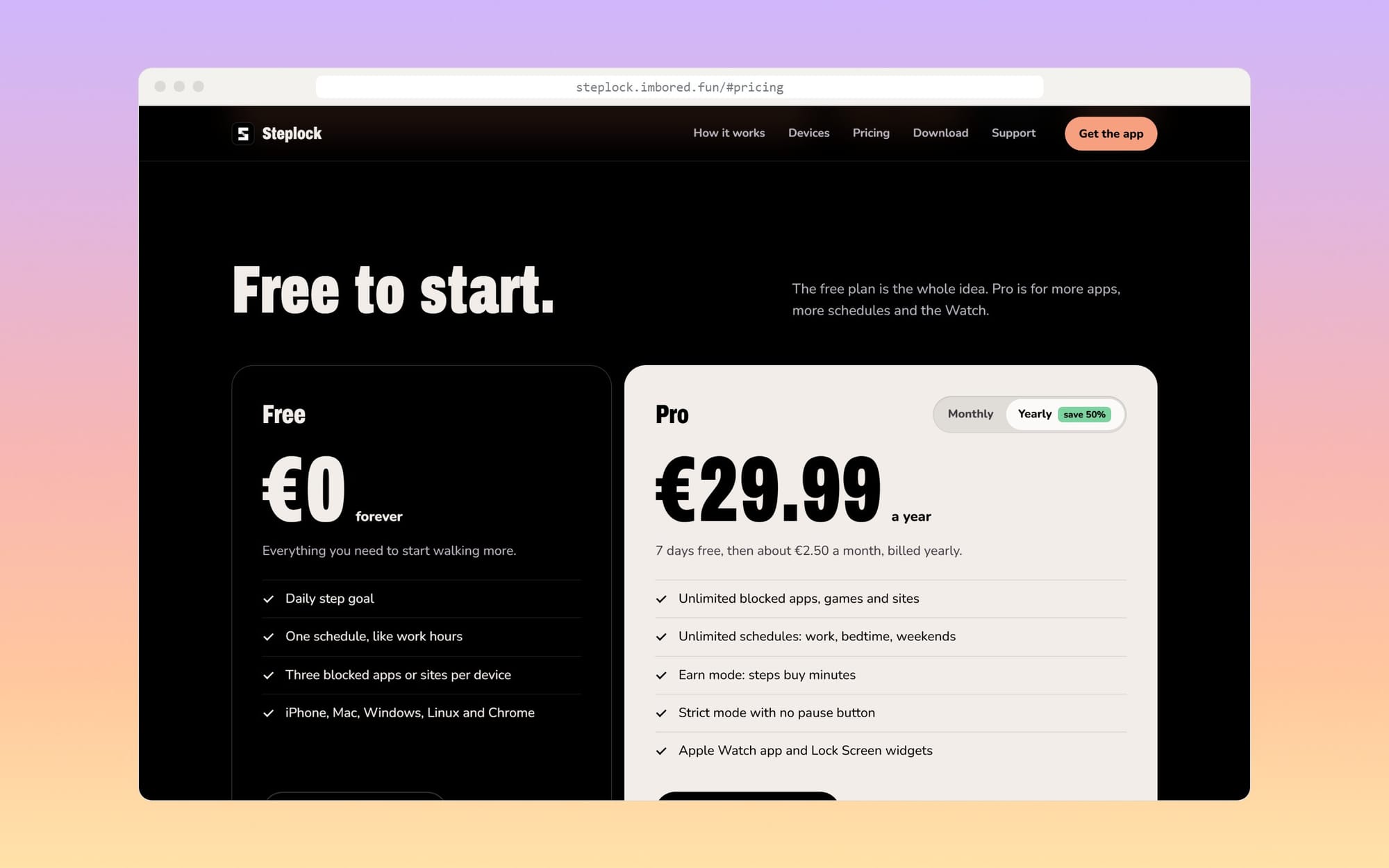
The free plan is the whole idea, not a trial: a daily step goal, one schedule, and three blocked apps or sites per device, on every platform. No card needed.
Pro is €29.99 a year after a seven-day free trial. It adds unlimited apps, games, sites and schedules, earn mode, a strict mode with no pause button, and the Apple Watch app. Invite a friend and you get a month of Pro for free.
The escape hatches
No Apple Watch? You don't need one. The iPhone counts steps on its own; a Watch just counts too.
Sick, injured, or pouring rain? Pause for 15 minutes at a time. Each pause adds 500 steps to today's goal, so it isn't free. Strict mode turns pausing off, on purpose.
Calls? Never blocked, emergency or otherwise.
Where it is now
The iPhone app is in beta, and the Mac, Windows, Linux and Chrome versions are on the website, ready to download.